
Marketing · Premium
Comparison table (dark) generator
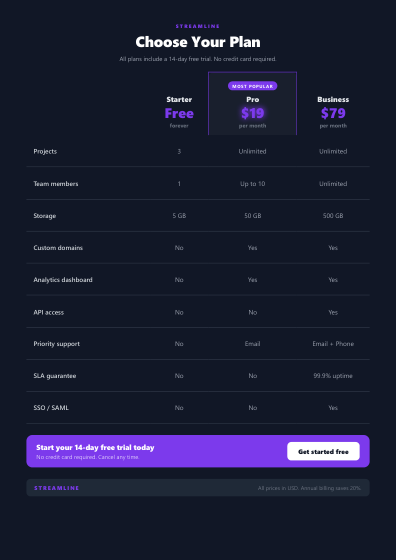
Make a comparison table (dark) in seconds. Fill in your details and download a polished, branded comparison table (dark) as a PDF.
› checking access…
How to make a comparison table (dark)
01
Pick the template
Open the comparison table (dark) template and choose the style that fits your brand.
02
Add your details
Fill in your comparison table (dark) fields, or paste your data as YAML or JSON.
03
Download the PDF
Generate and download a clean, branded comparison table (dark) as a print-ready PDF.